
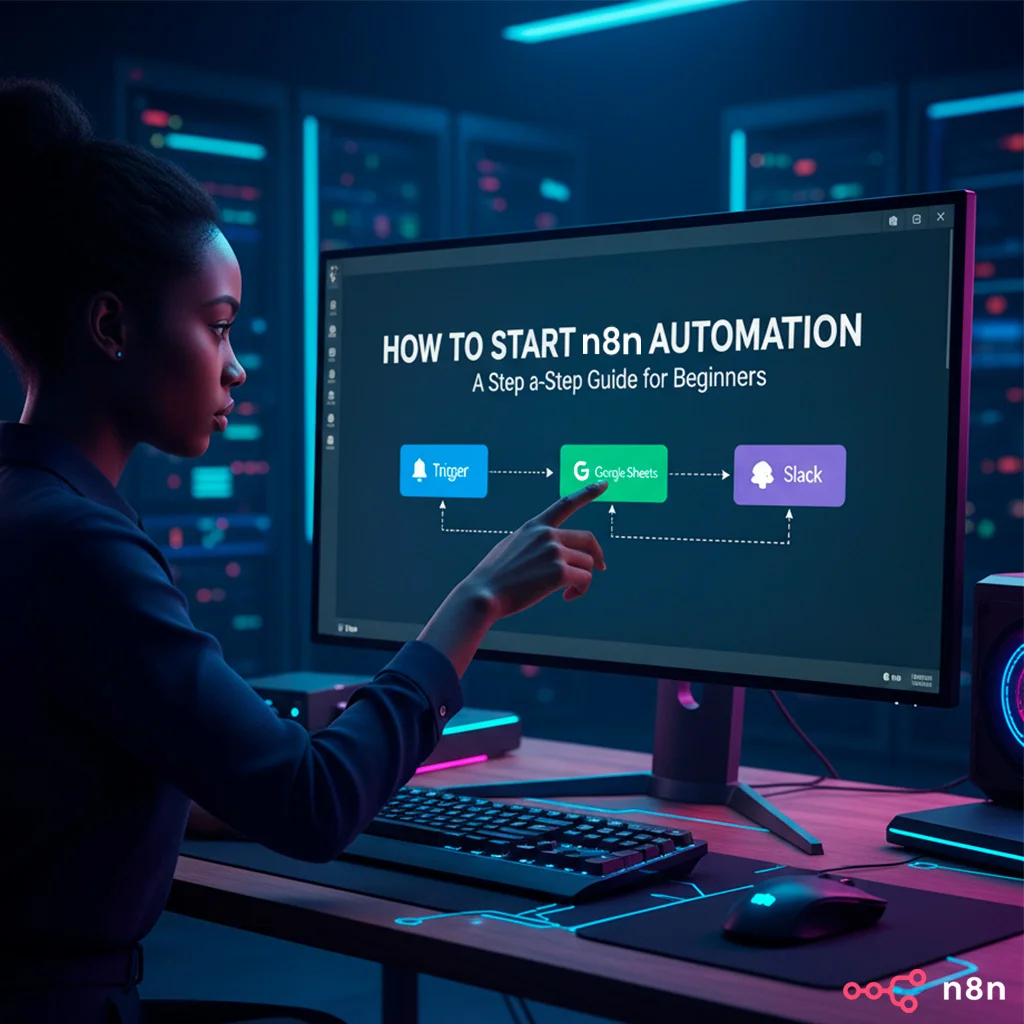
Do you feel like your team is stuck with repetitive, manual tasks that consume valuable time? Automation isn't just for large corporations with unlimited budgets. Tools like n8n are democratizing automation, allowing any company, startup, or agency to optimize their operations efficiently and affordably.
If you've heard about n8n and are wondering how to take the first steps, you're in the right place. This guide is designed for beginners, showing you the way from scratch so you can start automating your business today.
1. Plan Your First Automation: Think Small, Dream Big
The most common mistake when starting automation is trying to cover too much. To successfully begin with n8n, follow these steps:
- Identify a repetitive, low-risk task: Think of something you or your team do manually on a regular basis that, if automated, won't have critical consequences if it fails. Examples:
- Send a welcome email to new newsletter subscribers.
- Save specific email attachments to Google Drive.
- Receive Slack notifications when there's a new form submission.
- Define the Trigger and Actions: What event starts the automation? (e.g., new form submitted). What should n8n do next? (e.g., send email, save data).
- List the applications involved: Do you need to connect Google Sheets, your CRM, Slack, an email service?
By starting with a simple automation, you'll build confidence and better understand how n8n works before tackling more complex projects.
2. Choose Your n8n Environment: Cloud or Self-Hosted
Before building your first workflow, you need to decide where to run n8n. You have two main options:
- n8n Cloud:
- Advantages: The fastest way to get started. No technical installation knowledge required; simply sign up and you can start using it. Ideal for testing and initial projects.
- Disadvantages: Usage-based or subscription payments, and data is not on your servers (potential privacy implications, although n8n Cloud complies with GDPR).
- n8n Self-Hosted:
- Advantages: Full control over your data (essential for GDPR and security), no task limits, much more economical at scale, and fully customizable.
- Disadvantages: Requires some technical knowledge for installation and maintenance on a server (e.g., with Docker, AWS, Google Cloud, DigitalOcean).
For those seeking total control and predictable costs, self-hosting is the preferred long-term option. If you need help with implementation, you can contact us.
3. Get to Know the n8n Interface: Nodes and Workflows
Once you access n8n (either in the cloud or on your server), you'll see the visual editor:
- Workflows: This is the canvas where you'll build your automations. Each workflow is a series of connected steps.
- Nodes: These are the building blocks of your workflows. Each node represents an application, an action, or logic (e.g., Webhook Trigger, Google Sheets, If/Else).
- Trigger Node: The first node of each workflow. It's the event that initiates the automation (e.g., a new database entry, an email received, a scheduled time).
n8n is highly visual and intuitive. Simply drag nodes onto the canvas and connect them in the logical order of your process.
4. Building Your First Workflow (a simple example!)
Let's build a basic workflow: a flow to send a Slack message when a new Google Form is submitted.
- Create a new Workflow: In the n8n panel, click New Workflow.
- Add the Trigger Node: Search for the Webhooks node and drag it to the canvas. Configure it to be of type POST. This Webhook URL will be used in Google Forms.
- Add the Google Forms Node: In Google Forms, go to the Responses section, then Create a spreadsheet. Then, configure form submissions to send content to the n8n Webhook via a script or service (e.g., using Google Apps Script or a direct integration if Google Forms offered it). Alternatively, a more direct and common approach for beginners would be to use the Google Sheets Trigger node if the form saves data to a spreadsheet, or even an HTTP Request node if Google Forms allows direct data submission.
- Add the Slack Node: Search for the Slack node and drag it to the canvas. Connect it to the Google Forms node.
- Configure the Slack Node:
- Credentials: You'll need to set up Slack credentials (OAuth Token) so n8n can access your workspace.
- Operation: Choose Send Message.
- Channel: Select the Slack channel where you want to receive the notification (e.g., #new-leads).
- Message Text: Here you can use n8n expressions to dynamically insert data from the form, such as the contact's name or email. This is done using n8n's powerful expression editor.
- Test Your Workflow:
- Activate your n8n flow (Active button).
- Fill out your Google Form.
- Watch a message appear in your Slack channel!
- Save Your Workflow: Make sure to save your work.
5. Next Steps and Resources
Congratulations, you've created your first automation with n8n! Now that you have the basics, here are some resources to keep learning:
- n8n Documentation: docs.n8n.io - It's excellent and very detailed.
- n8n Community: community.n8n.io - Forum where you can ask questions and find solutions.
- DigitalCube: If you prefer an expert to guide you or implement complex automations, our team is ready to help you take your business to the next level with n8n.
Ready to unlock the potential of automation in your company?
Automation with n8n can free your team from monotonous tasks, allowing them to focus on what truly matters: strategy, creativity, and growth. Don't let repetitive tasks slow your progress.
Schedule a Discovery Workshop with DigitalCube
Frequently Asked Questions (FAQ)
These are some of the questions our clients ask us most often:
Is n8n difficult for beginners to learn?
No, n8n is surprisingly beginner-friendly, especially if you start with simple automations. Its visual drag-and-drop node interface makes it very intuitive. While it might seem overwhelming at first, with a little practice, you'll get comfortable quickly.
Do I need programming knowledge to use n8n?
It is not necessary to know how to code to create basic and intermediate automations with n8n. However, having some knowledge of programming logic or JavaScript will allow you to create more advanced and personalized workflows, using code nodes or manipulating data in more complex ways.
How much does n8n cost to use?
n8n's cost varies:
- Self-Hosted Version: This is the most economical option in the long run. You only pay for your server (which can be very inexpensive) and it's open-source.
- n8n Cloud: Offers subscription plans based on the number of workflow executions, similar to other SaaS platforms. It's more convenient for getting started quickly.
What types of automations can I make with n8n?
You can automate almost any repetitive task involving data between different applications. Common examples include: lead management (CRM, spreadsheets, email), internal notifications (Slack, Teams), report generation, database synchronization, social media posting, and much more.
Is it safe to use n8n with my business data?
Yes, n8n is very secure. If you opt for the self-hosted version, your data never leaves your servers, giving you full control over privacy and compliance (e.g., GDPR). The n8n Cloud version also implements robust security measures and complies with privacy regulations. This is one of the reasons many companies choose it.